Settings
Configure platform-wide settings and preferences.
What are Platform Settings?
Platform Settings provide centralized control over organization-wide configurations, user management, roles and permissions, and notification preferences that apply across all RabbitQA modules.
Access Settings from the platform menu to configure how RabbitQA behaves for your entire organization.
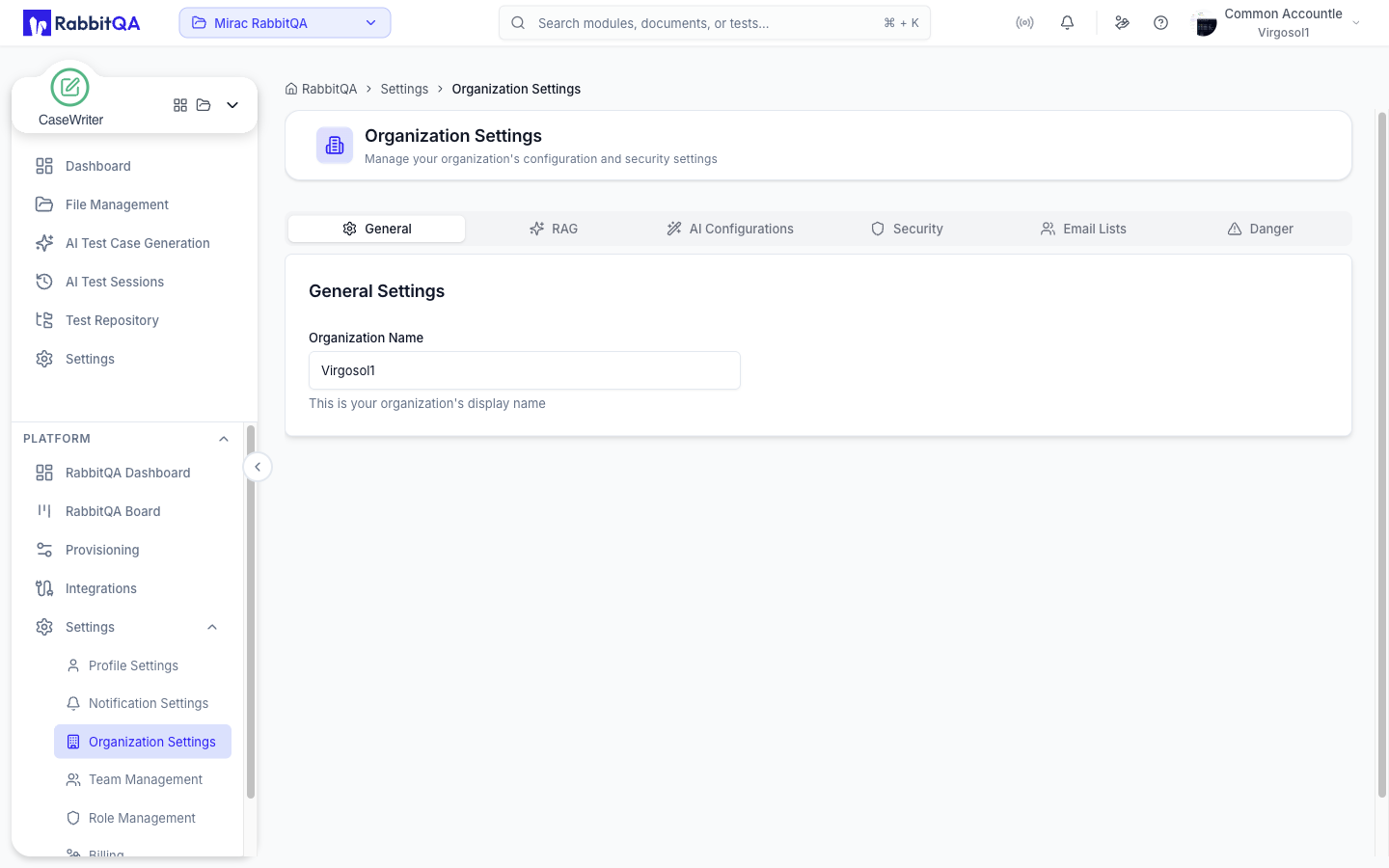
Organization Settings
Configure your organization's name, logo, timezone, date format, and other organizational preferences. Set default values that apply across all modules and projects.
Manage organization-level settings that define how your team uses RabbitQA and ensure consistent configurations across all workspaces.
Team Management
Manage team members, roles, and permissions from the Settings panel. For full details on inviting users, creating custom roles, configuring permissions, and organizing teams, see Team Management.
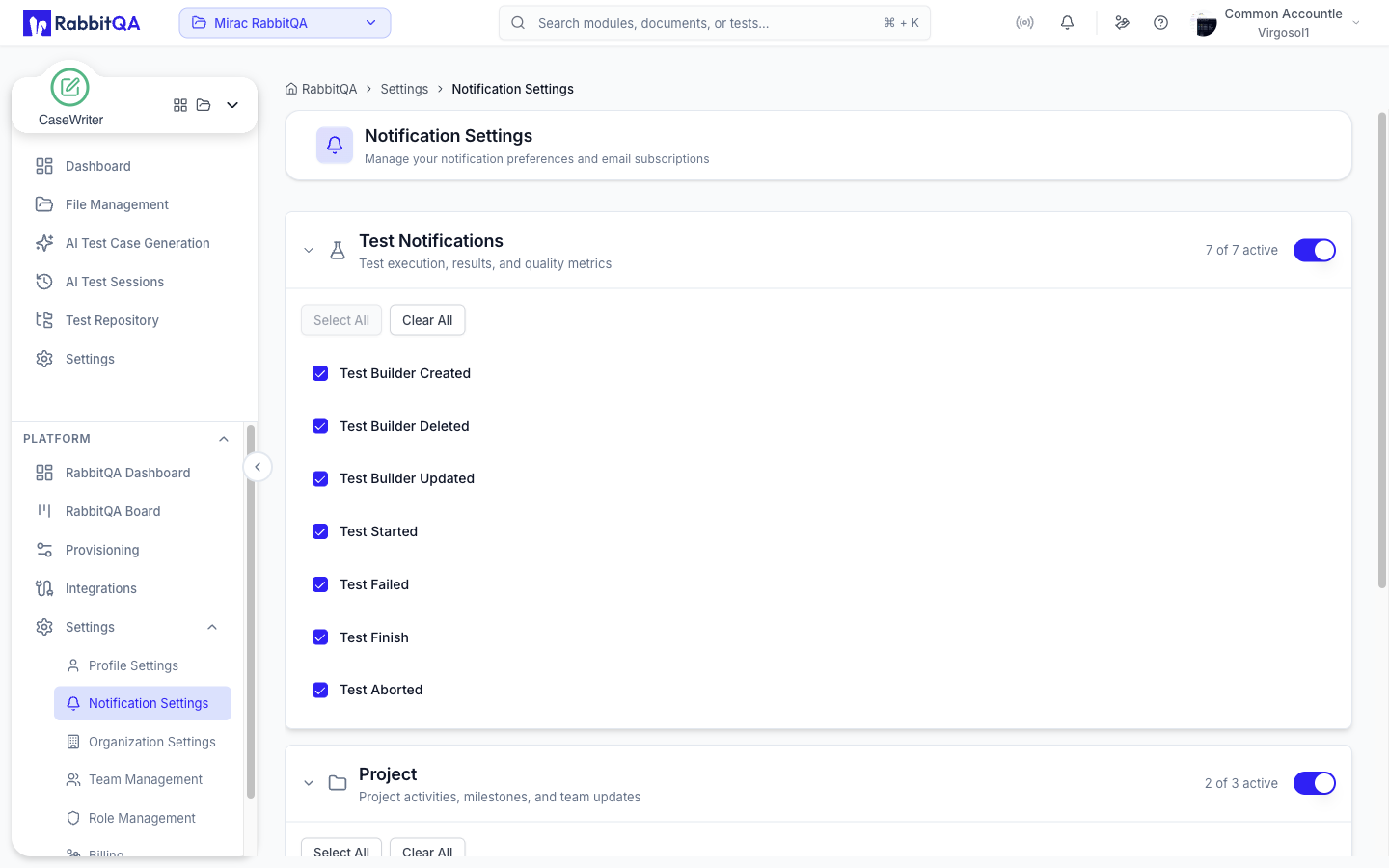
Notification Settings
Configure how and when notifications are sent. Set up email notifications, in-app notifications, and define notification rules for test failures, project updates, system alerts, and other important events.
Customize notification preferences to ensure your team stays informed about important activities without being overwhelmed by alerts.
User Profile
Manage your personal profile settings including contact information, password, personal preferences, and view your activity history.
Update your profile to ensure your information is current and customize your personal RabbitQA experience.
