SmartRequest Settings
Configure global settings for request evaluation, scoring, and approval workflows.
General Settings
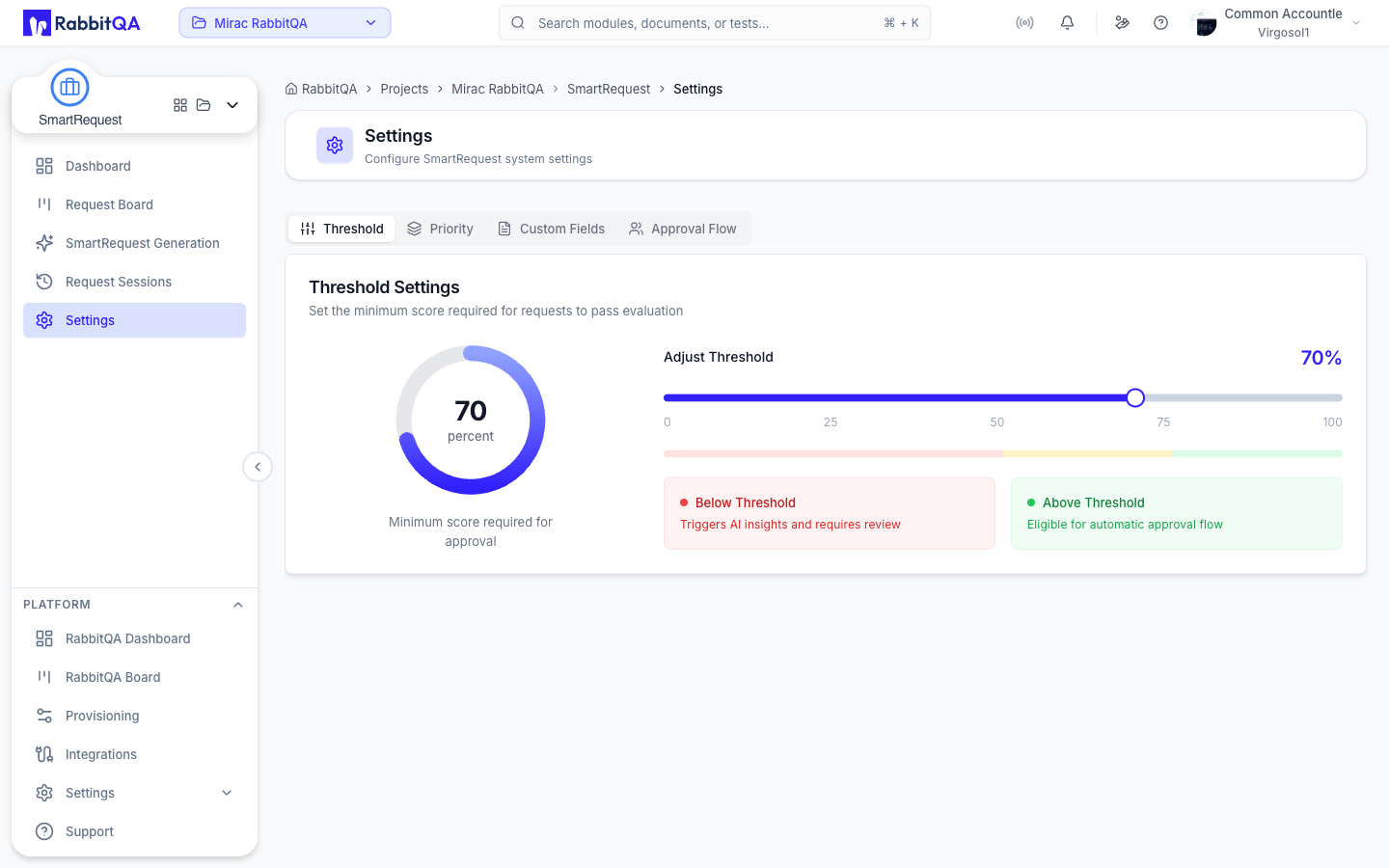
Default Threshold
Set the global score threshold:
- Slider: 0-100
- Requests above threshold → High priority
- Below threshold → Standard priority
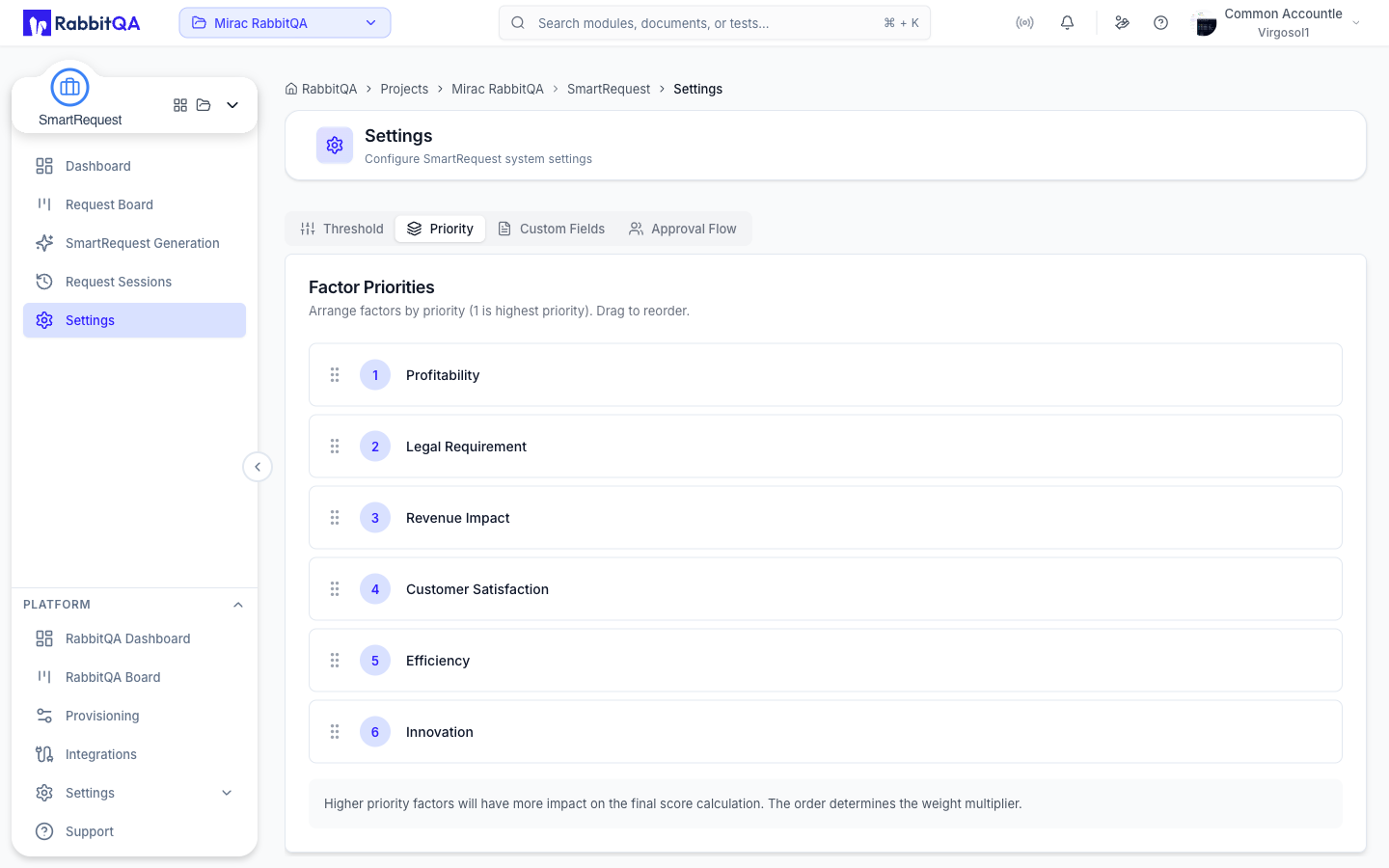
Factor Priorities
Configure default factor weights:
| Factor | Range | Default |
|---|---|---|
| Profitability | 0-100 | 50 |
| Legal Requirement | 0-100 | 50 |
| Revenue | 0-100 | 50 |
| Customer Satisfaction | 0-100 | 50 |
| Efficiency | 0-100 | 50 |
| Innovation | 0-100 | 50 |
ipucu
These are defaults. Products can override with their own priorities.
Evaluation Settings
Configure AI evaluation:
- Max Questions - Limit AI questions (5-20)
- Question Timeout - Auto-skip after timeout
- Language Default - Default evaluation language
Approval Flow
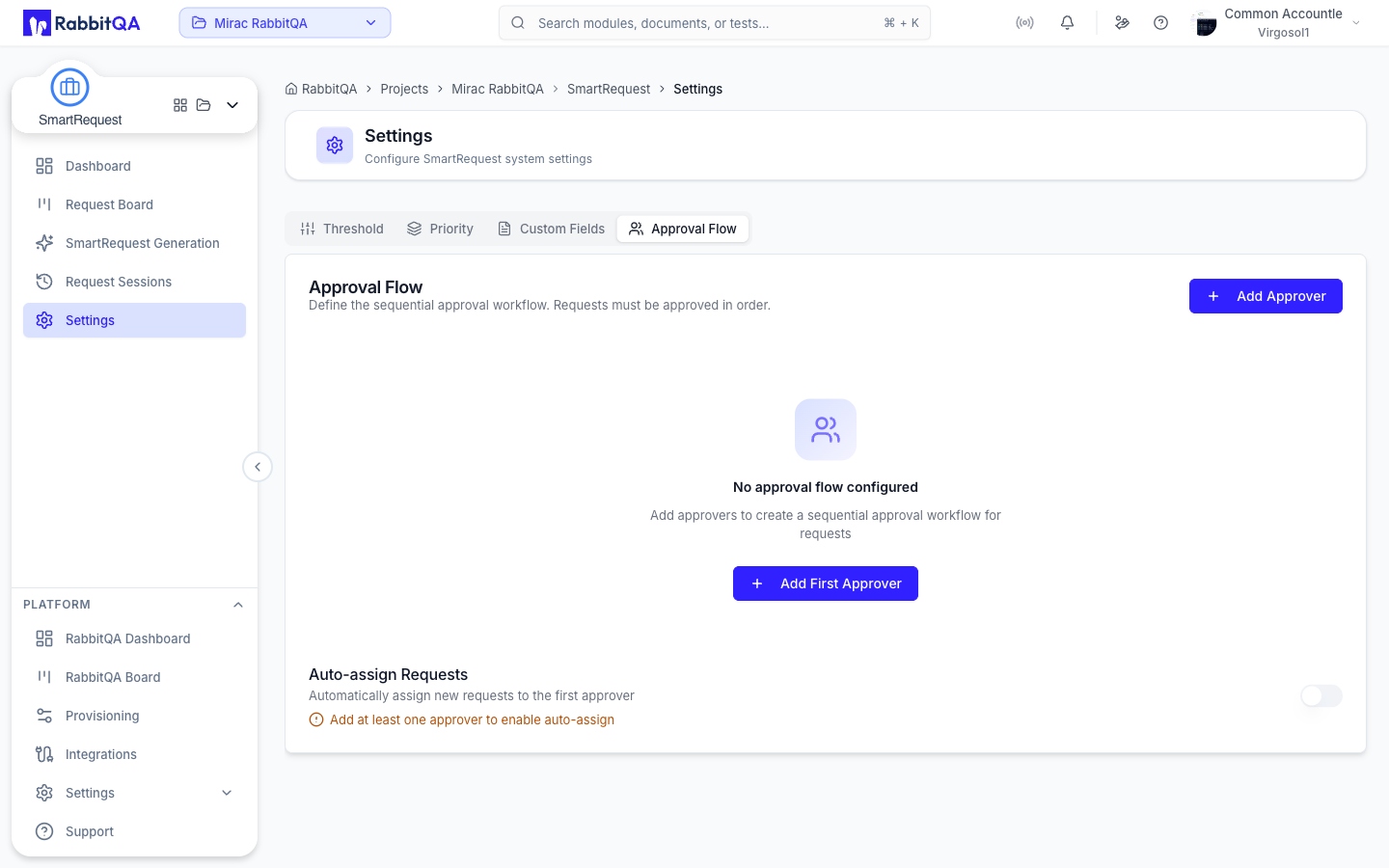
Global Approval Chain
Set up default approval workflow:
- Add Approvers
- Click Add Approver
- Select team member
- Set approval order
- Approval Order
- Sequential (1 → 2 → 3)
- Or parallel (all at once)
- Configure per position
- Auto-Assignment
- Automatically assign based on rules
- Product/module based routing
- Load balancing options
Approval Rules
| Rule | Description |
|---|---|
| Required All | All approvers must approve |
| Required Any | Any one approver sufficient |
| Required Majority | >50% must approve |
| Sequential | Must approve in order |
Escalation
Configure escalation rules:
- Timeout - Days before escalation
- Escalation Path - Who gets escalated to
- Notifications - Email/Slack alerts
Notification Settings
Email Notifications
| Event | Recipients |
|---|---|
| New Request | Approvers |
| Approval Needed | Assigned approver |
| Approved | Submitter |
| Rejected | Submitter |
| Status Change | Assignee |
Slack Integration
When Slack is configured:
- Channel notifications
- Direct messages
- Approval buttons in Slack
Notification Preferences
Per-user settings:
- Enable/disable by event type
- Email frequency (immediate/digest)
- Quiet hours
Custom Fields Settings
Global Custom Fields
Fields available across all products:
- Navigate to Custom Fields tab
- Click Add Global Field
- Configure field settings
- Field appears in all products
Field Validation
Configure validation rules:
- Required - Must be filled
- Min/Max Length - Text limits
- Pattern - Regex validation
- Allowed Values - Restricted options
Scoring Configuration
Score Calculation
Formula for request scoring:
Score = Σ (Factor Weight × Factor Score) / Total Weights
Factor Configuration
For each factor, configure:
- Weight - Importance (0-100)
- Enabled - Include in scoring
- Questions - AI questions for this factor
Score Thresholds
| Range | Classification | Action |
|---|---|---|
| 80-100 | Critical | Immediate attention |
| 60-79 | High | Prioritized review |
| 40-59 | Medium | Standard queue |
| 0-39 | Low | When available |
Integration Settings
Smart PBI Integration
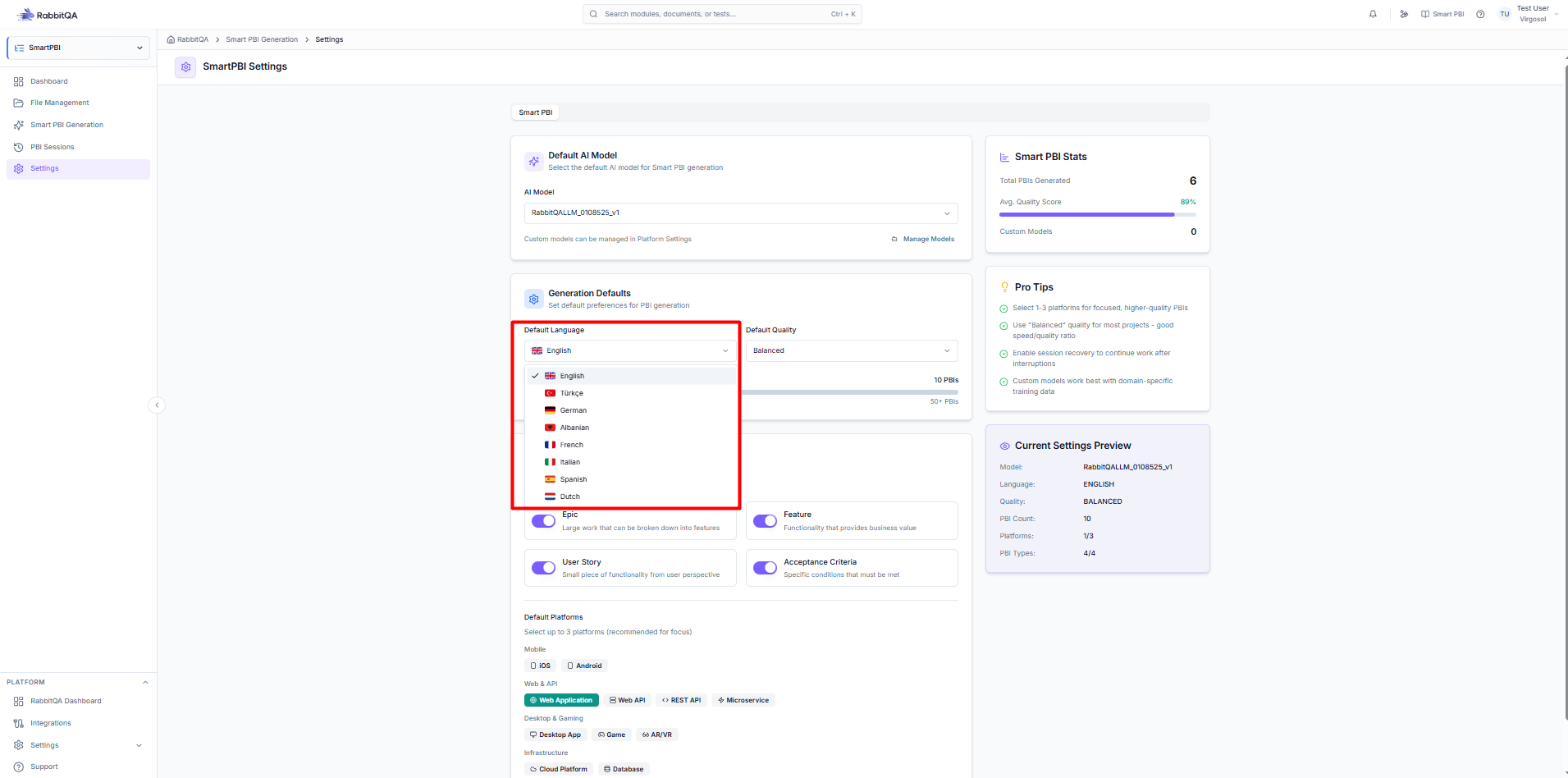
Configure PBI generation:
- Auto-suggest - Prompt for PBI generation
- Data Fields - Default fields to include
- Model - AI model for PBI generation
CaseWriter Integration
Configure test case generation:
- Auto-suggest - Prompt for test generation
- Test Types - Default test case types
- Model - AI model for test generation
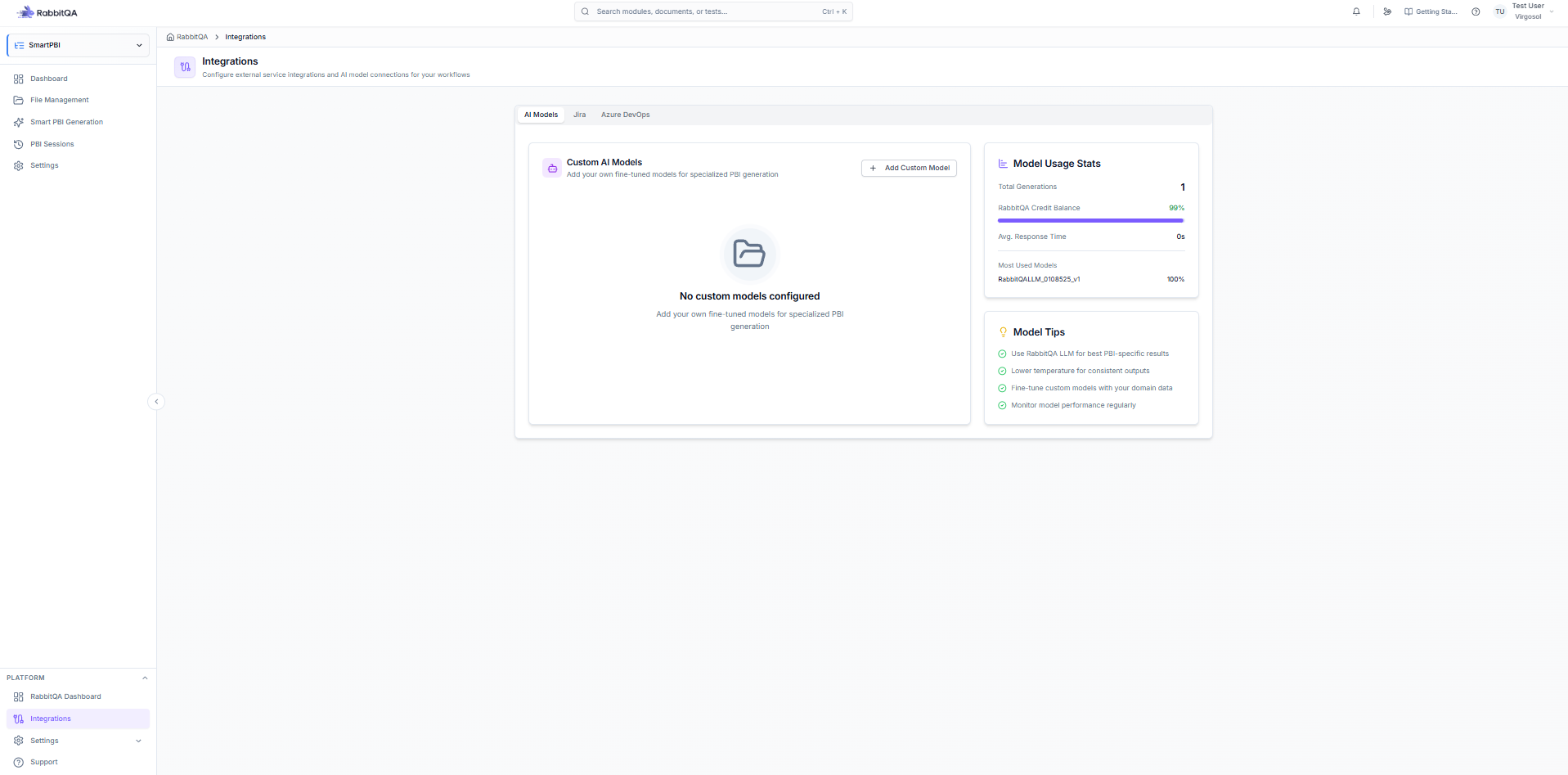
External Integrations
Connect to external systems:
- Jira - Create Jira issues from requests
- Azure DevOps - Create work items
- Webhooks - Custom integrations
Advanced Settings
Request Retention
Configure data retention:
- Archive After - Days until auto-archive
- Delete After - Days until permanent deletion
- Export Before Delete - Auto-export option
Audit Logging
Track all actions:
- Request creation
- Status changes
- Approval actions
- Configuration changes
API Access
Configure API settings:
- Enable API - Allow API access
- Rate Limits - Request throttling
- API Keys - Manage access keys
Importing/Exporting Settings
Export Configuration
Save current settings:
- Click Export Settings
- Download JSON file
- Store for backup
Import Configuration
Restore settings:
- Click Import Settings
- Select JSON file
- Review changes
- Apply configuration
Best Practices
Threshold Setting
- Start with 50 as baseline
- Adjust based on request volume
- Review quarterly
Approval Flow
- Keep chains short (2-3 approvers)
- Use escalation for delays
- Document approval criteria
Factor Weights
- Align with business priorities
- Review annually
- Consider product variations
