TestPilot Module
Automated test execution and orchestration platform.
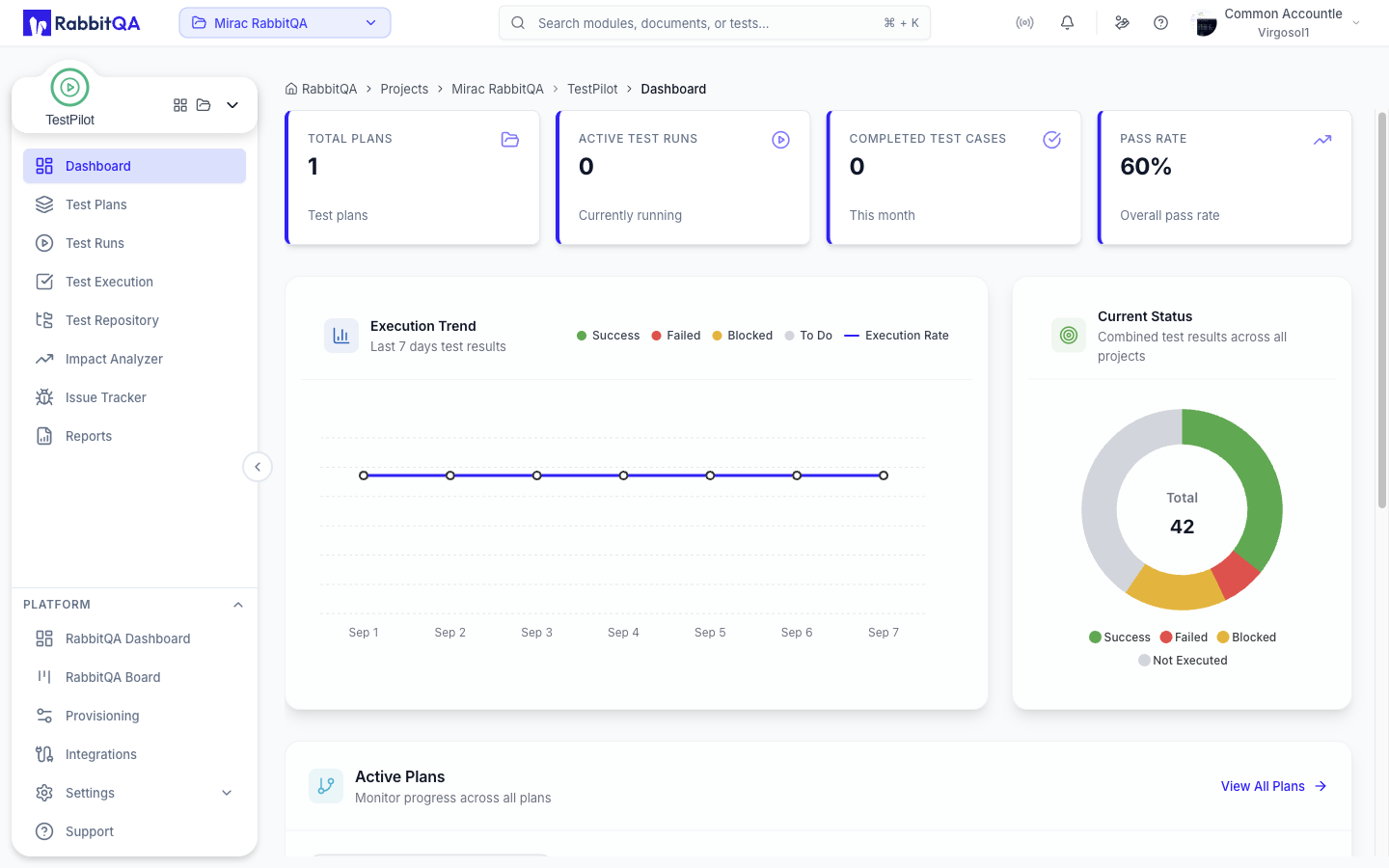
What is TestPilot?
TestPilot is your automated test execution and orchestration engine. Execute tests at scale, orchestrate complex test workflows, monitor results in real-time, integrate with CI/CD pipelines, and generate comprehensive reports. TestPilot supports web, mobile, API, and desktop testing across multiple platforms and environments.
Key Features: Multi-Platform, Parallel Execution, Real-time Monitoring, CI/CD Integration, Advanced Analytics
Key Capabilities
Test Execution
- Multi-Platform: Web, mobile, API, desktop
- Parallel Execution: Run tests simultaneously
- Smart Scheduling: Optimize resource usage
- Real-time Monitoring: Track progress live
Workflow Orchestration
- Test Pipelines: Chain multiple test suites
- Conditional Logic: Smart execution paths
- Environment Management: Multiple test environments
- Dependency Handling: Manage test prerequisites
Analytics & Reporting
- Live Dashboards: Real-time test metrics
- Historical Trends: Track quality over time
- Failure Analysis: Root cause identification
- Custom Reports: Tailored for stakeholders
Test Types Supported
Web Testing
- Browser automation (Chrome, Firefox, Safari)
- Cross-browser compatibility
- Responsive design testing
- Performance monitoring
Mobile Testing
- Native app testing (iOS, Android)
- Hybrid app support
- Device farm integration
- App store validation
API Testing
- REST API validation
- GraphQL testing
- WebSocket testing
- Microservices testing
Desktop Testing
- Windows application testing
- macOS application testing
- Linux application testing
- Legacy system testing
Execution Environments
Cloud Environments
| Platform | Features |
|---|---|
| AWS | EC2, Lambda, ECS |
| Azure | VMs, Container Instances |
| Google Cloud | Compute Engine, Cloud Run |
| Multi-cloud | Hybrid deployments |
Local Environments
| Platform | Features |
|---|---|
| Docker Containers | Isolated test environments |
| Virtual Machines | Full OS simulation |
| Physical Devices | Real hardware testing |
| Hybrid Setup | Mix of local and cloud |
Advanced Features
AI-Powered Testing
- Smart Retry: Intelligent failure recovery
- Test Optimization: Reduce execution time
- Flaky Test Detection: Identify unreliable tests
- Predictive Analysis: Forecast test outcomes
Security & Compliance
- Secure Credentials: Encrypted secret management
- Access Control: Role-based permissions
- Audit Logging: Complete execution trails
- Compliance Reports: Regulatory requirements
Performance Optimization
- Resource Pooling: Efficient resource usage
- Caching: Faster test startup
- Load Balancing: Distribute test load
- Scaling: Auto-scale based on demand
Integration Ecosystem
CI/CD Platforms
Jenkins, GitHub Actions, Azure DevOps, GitLab CI
Test Tools
Selenium, Playwright, Cypress, REST Assured
Quality Tools
SonarQube, OWASP ZAP, JMeter, Allure
Getting Started
Follow these steps to set up your first test execution:
- Create a Project: Organize tests by release or sprint
- Set Up Test Run: Configure test execution parameters
- Import Test Cases: Add tests from CaseWriter or files
- Execute Tests: Run tests and mark results
- Monitor & Report: Track progress and generate reports
Next Steps
- Quick Start Guide - Get started in 10 minutes
- Dashboard Overview - Monitor your tests
