Smart PBI Generation
AI-powered Product Backlog Item generation from requirements.
What is Smart PBI Generation?
Smart PBI Generation is an AI-powered feature that transforms your requirement documents into comprehensive Product Backlog Items (PBIs) organized as Epics, Features, and User Stories with acceptance criteria, story points, and priority levels.
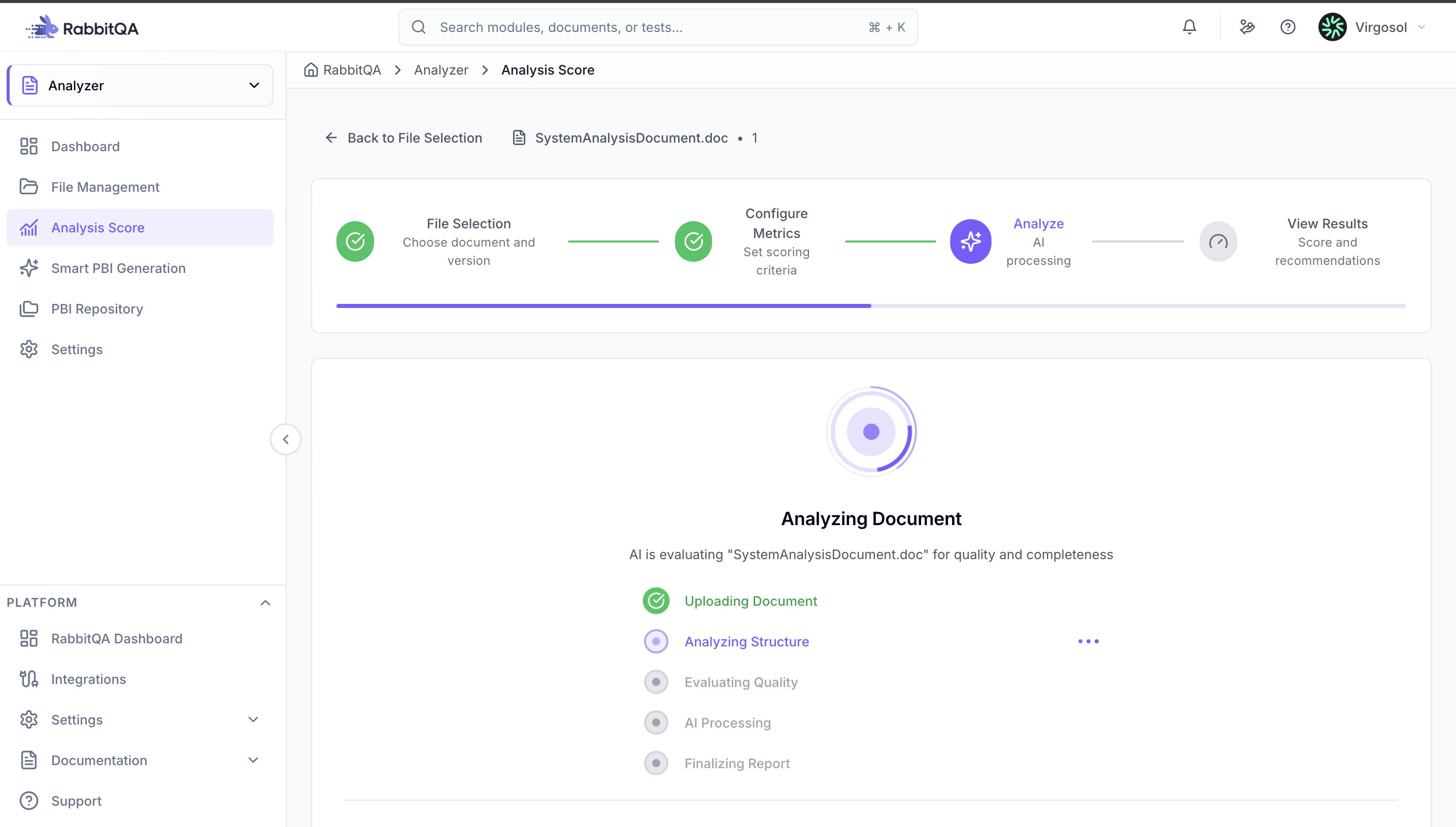
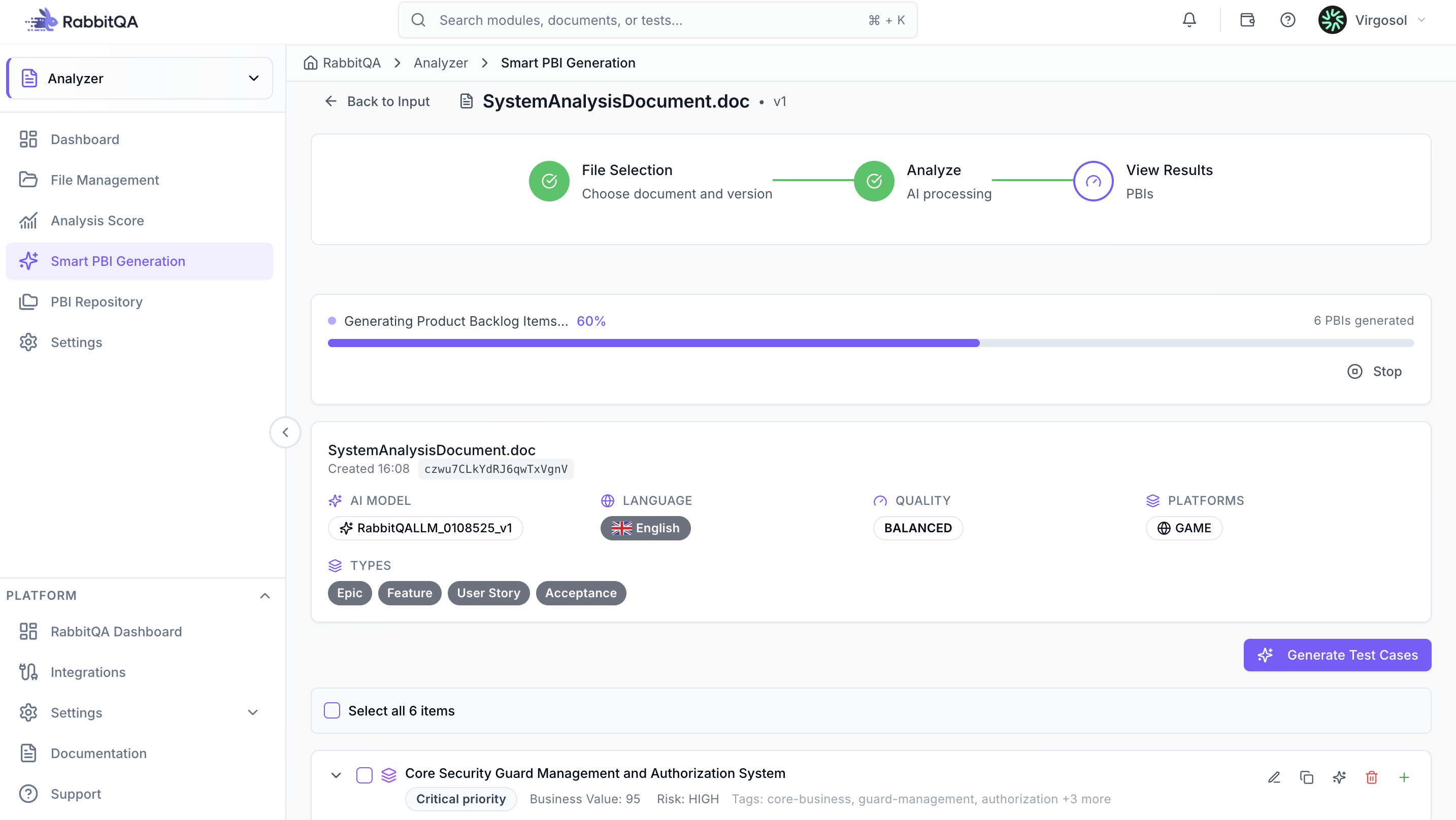
Generation Process
1. Select Source Document
Choose an analyzed document from Recent Files or upload a new file. Supported formats: PDF, DOC, DOCX, TXT, MD.
2. Configure Settings
Select AI model, choose generation language (English, Turkish, German), set quality level (Speed, Balanced, Accuracy), and select target platforms.
Maximum 3 platforms: Mobile, Web & API, Desktop & Gaming, Infrastructure.
3. Generate PBIs
Click "Generate PBIs" to start the AI process. The system analyzes your requirements and creates hierarchical PBIs. Generation typically takes 5-10 minutes depending on document complexity.
4. Review and Export
After generation completes, review the generated PBIs in hierarchical structure (Epic > Feature > User Story). Edit individual PBIs, adjust priorities, and export to Jira, Azure DevOps, or Excel.
PBI Structure
Each generated PBI includes:
- Title and user story format (As a... I want... So that...)
- Testable acceptance criteria
- Story points (1-13 Fibonacci scale)
- Size (S, M, L, XL), time estimate, and business value (High, Medium, Low)
Export Options
Jira Integration
- Connect your Jira account in Settings
- Select PBIs to export
- Map fields to Jira issue types
- Click "Export to Jira"
Azure DevOps Integration
- Configure Azure DevOps connection
- Select work item types
- Map fields appropriately
- Export directly to your board
Manual Export
Export as:
- Excel (.xlsx) - For sharing
- CSV - For other tools
- JSON - For API integration
Best Practice Review and refine AI-generated PBIs before exporting to ensure accuracy and completeness.
