Scenarios
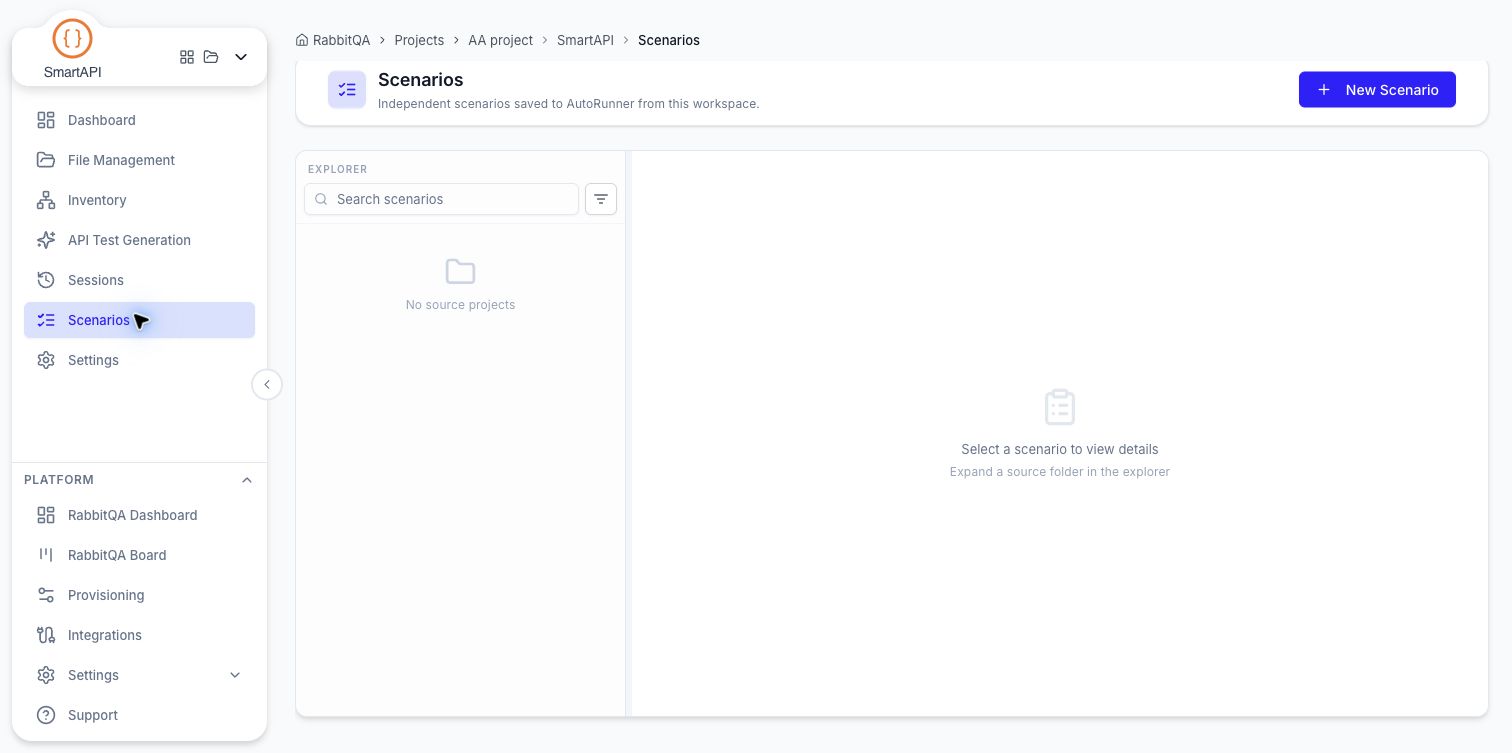
Scenarios lists the API scenarios this workspace has saved to AutoRunner.
A generated scenario stays a draft inside its session until you save it. Saving copies it into an AutoRunner folder as an independent scenario — this page is where those saved scenarios live afterwards.
The explorer
The left panel is a folder tree of the AutoRunner source projects scenarios were saved into, with a search box and a filter. Until something has been saved it reads No source projects; the detail panel prompts you to expand a source folder and pick a scenario.
+ New Scenario creates a scenario directly in SmartAPI's saved tree, starting from one empty request — useful when you want to write a check by hand rather than generate it.
Reviewing a scenario
Selecting a scenario opens it with its step count, assertions, and captures, and the steps laid out in order. Expand a request to review its method, URL, and editor tabs:
| Tab | Contents |
|---|---|
| Assertions | Expected response status, fields, headers, body, or timing |
| Captures | Values extracted from the response for later requests |
| Body | The request payload and format |
| Headers | Request header names and values |
| Params | Query parameters |
| Scripts | Pre-request and post-response JavaScript |
Open Variables to review scenario values. Scripts can write named checks with rq.test, and
response captures supply values to later requests. See Requests, Assertions, and Captures
for the individual editors.
Editing a saved scenario
Use Edit Details to change the name or description. Edit the request fields and checks in place; Add request appends a step, and a request can be removed while at least one remains. The unsaved-changes bar offers Save Changes and Discard changes.
The saved-scenario editor does not offer Regenerate from here or Regenerate automation. Those actions belong to generated candidates inside Sessions. Regenerating a candidate does not update an earlier saved copy.
Some saved scenarios have no compatible API automation document. Their request editor is unavailable.
Save your edits before selecting another scenario or leaving the page. Discard changes restores the last saved request content and details.
Next Steps
- API Test Generation — Produce the scenarios that land here
- AutoRunner Transfer — How saved scenarios reach an AutoRunner project
- AutoRunner — Run them
