Test Sets Management
Organize and manage test cases.
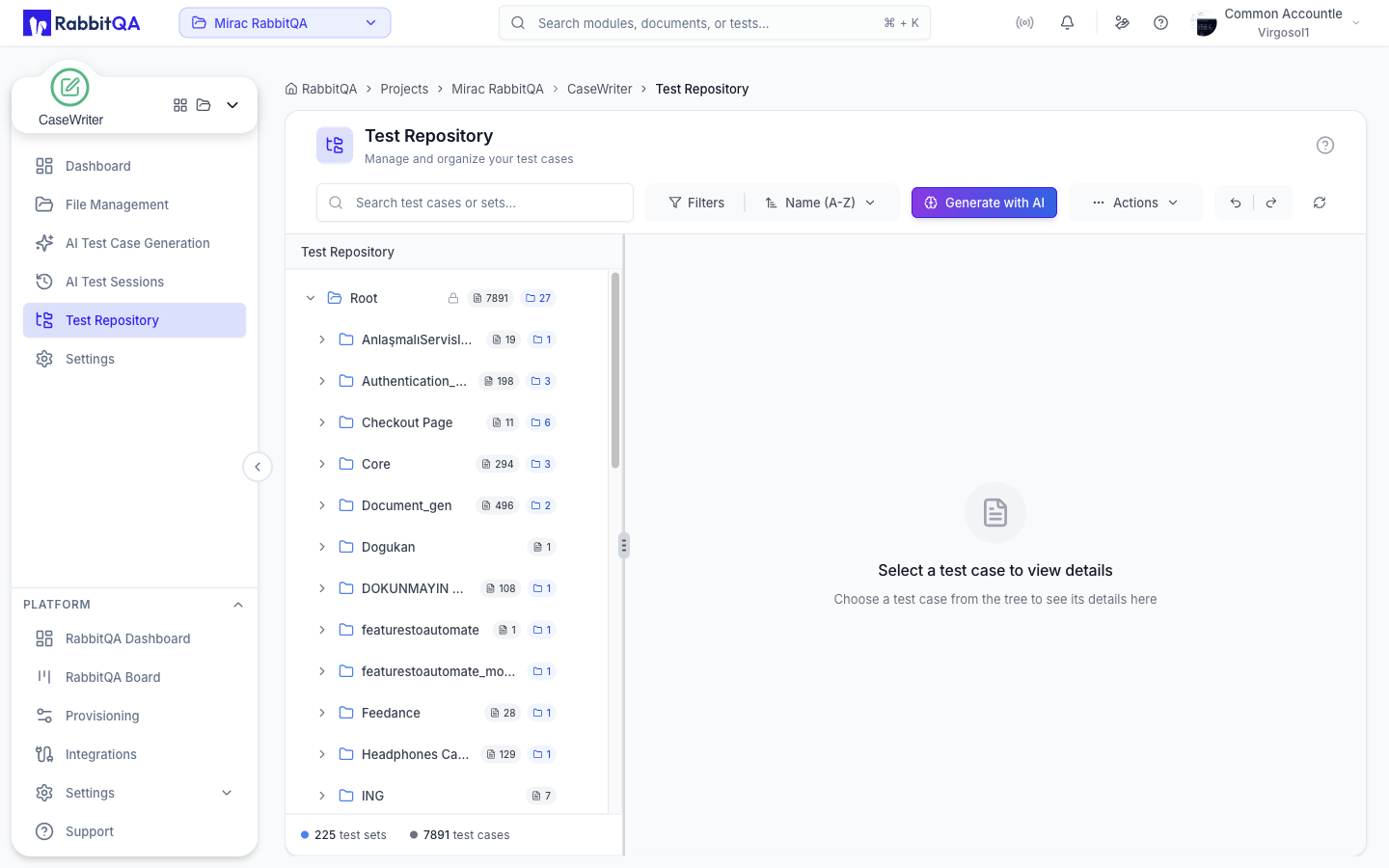
What are Test Sets?
Test Sets are organizational structures that allow you to group related test cases together. Like folders in a file system, test sets enable you to organize your test cases into logical categories.
Creating Test Sets
New Test Set
- Click the "New Test Set" button in Test Repository
- Enter test set name (e.g., "User Authentication Tests")
- Add an optional description
- Select parent set (for nested structure)
- Click the "Create" button
Organizing Test Sets
By Feature
Organize test sets based on application features:
- Login & Authentication
- User Profile Management
- Shopping Cart
- Checkout Process
By Test Type
Organize test sets based on test types:
- Smoke Tests
- Regression Tests
- Integration Tests
- E2E Tests
By Priority
Organize test sets based on priority:
- Critical Tests (P0)
- High Priority Tests (P1)
- Medium Priority Tests (P2)
- Low Priority Tests (P3)
By Sprint/Release
Organize test sets based on sprints or releases:
- Sprint 23 Tests
- Release 2.5.0
- Q4 2024 Features
- MVP Tests
Managing Test Sets
Edit Test Set
Update test set name, description, or parent set.
Move Test Cases
Drag and drop test cases between different test sets.
Delete Test Set
Delete empty test sets or move test cases before deletion.
Nested Sets
Create multi-level hierarchies by nesting test sets within each other.
Best Practices
Use Clear Naming
Use descriptive names that clearly indicate the content of the test set.
Keep Sets Focused
Each test set should have a clear, single purpose. Don't mix unrelated tests.
Maintain Hierarchy
Use nested test sets for better organization, but avoid going too deep (max 3-4 levels).
Regular Maintenance
Periodically review and reorganize test sets to keep them relevant and organized.
